Picklock
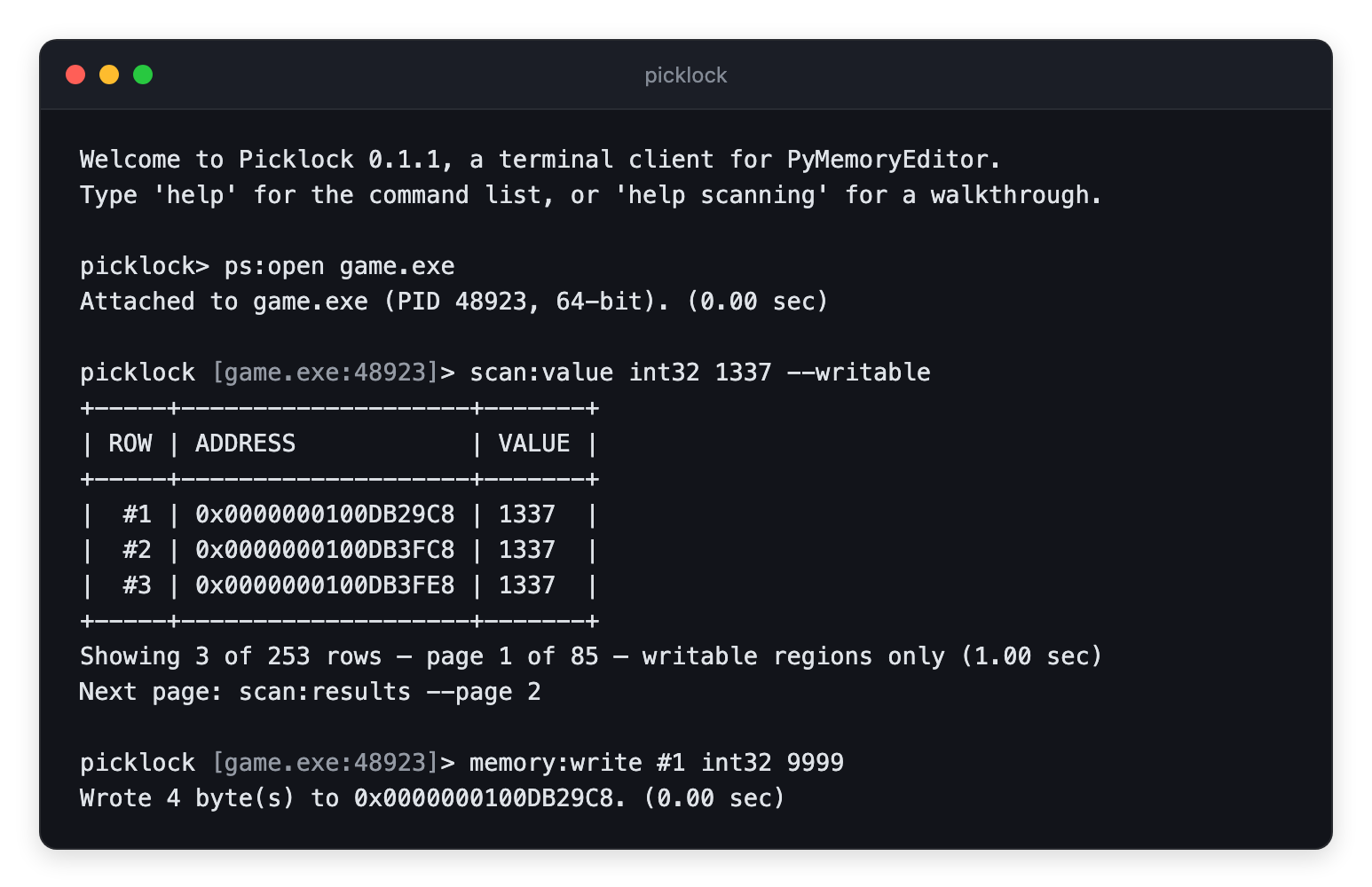
Read, write and scan the memory of a running process from any terminal.
Pure Python. It installs on a bare server as easily as on a desktop.


Picklock is a terminal client for PyMemoryEditor to read, write and scan the memory of a running process from any shell, on Windows, Linux and macOS.
pip install picklock
picklock
Start with the Quick start for the five-minute version, then
the User guide for the workflows. Every command’s arguments
are in the Command reference, which is generated from
the code and so cannot drift from what help prints at the prompt.
Enjoying Picklock?
If it saved you an afternoon, please ⭐ star it on GitHub — it is the easiest way to support the work and to help other people find it.
What you get
|
A prompt, quick and simple Easy commands for quick actions. Type The whole scan cycle Use the Addresses as expressions
|
Pointer chains that survive a restart
Scriptable The same vocabulary runs non-interactively: One dependency PyMemoryEditor, and the standard library. It installs easily anywhere. |